Account Settings
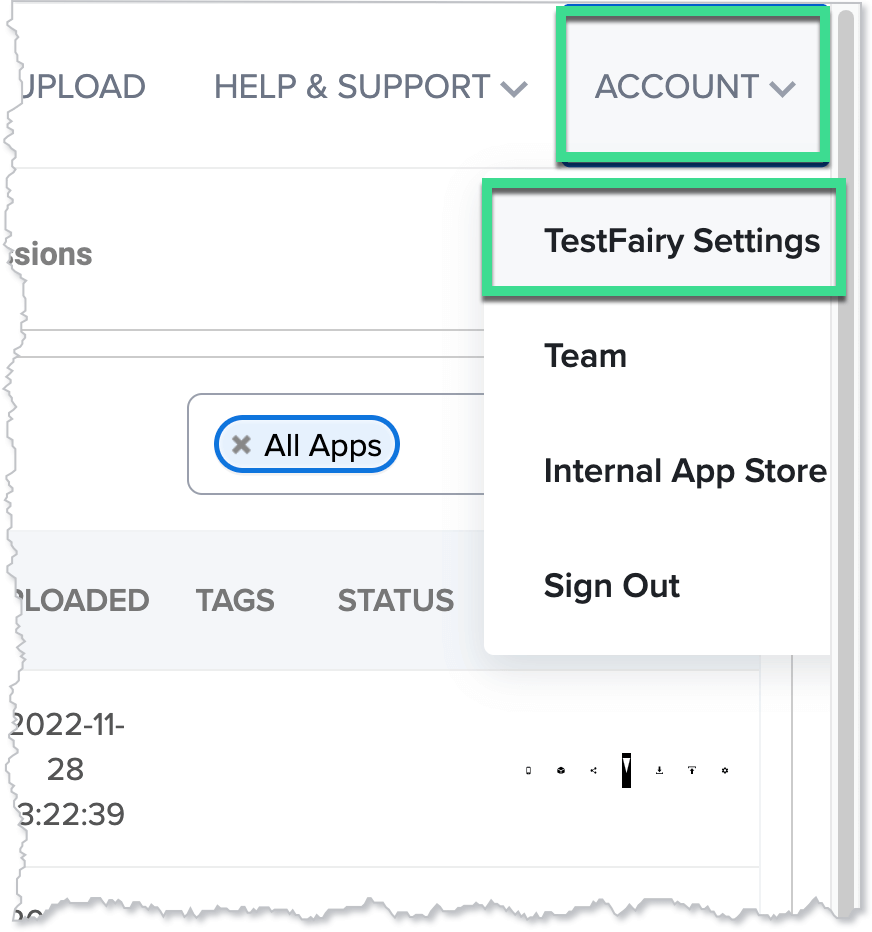
To access the Settings page, click Account and then click Sauce Labs Mobile App Distribution Settings.
Sauce Labs Mobile App Distribution Access Key
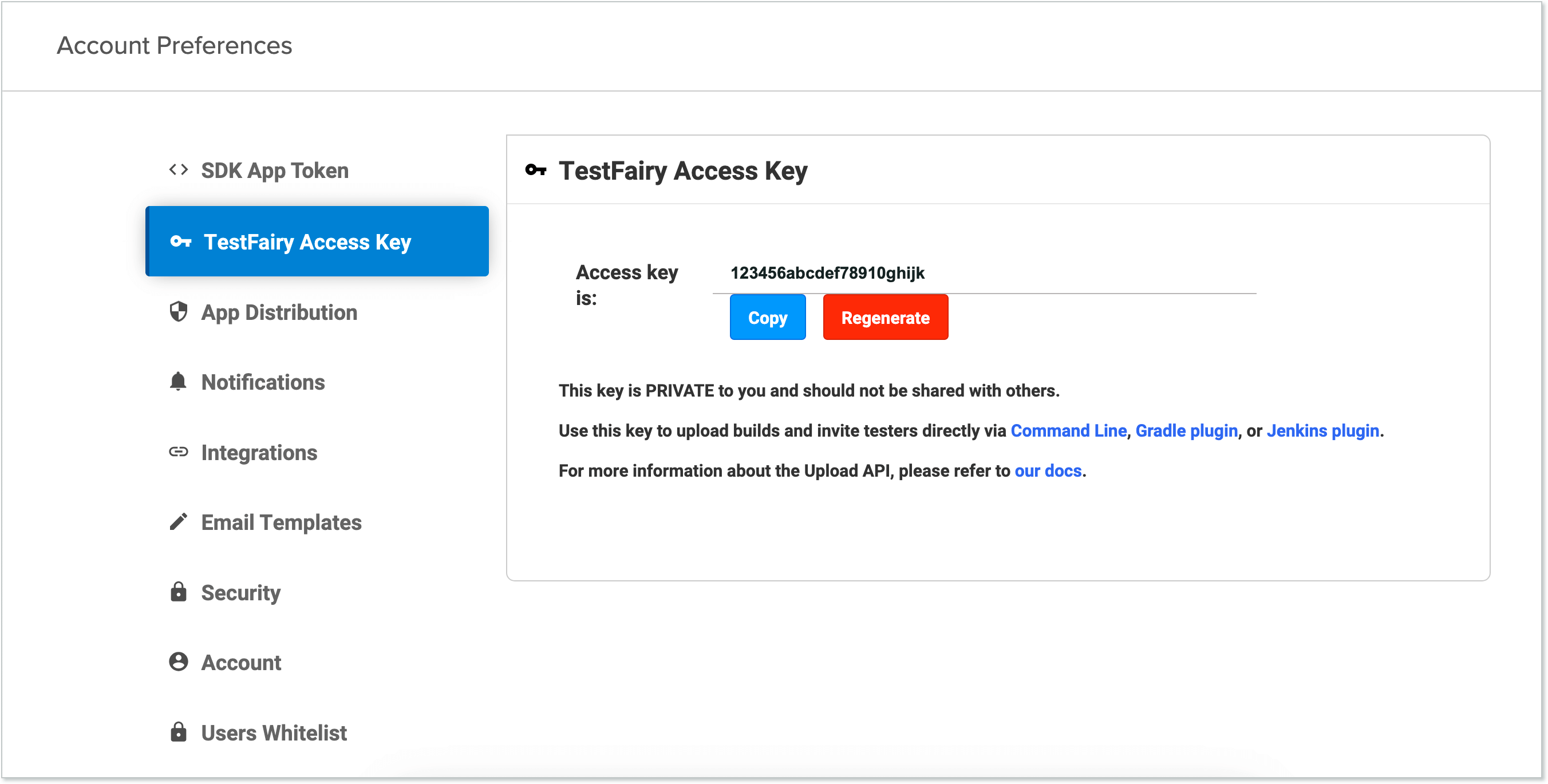
Your access key (API key) authenticates API requests. See API Keys for usage details.
For automated workflows, use dedicated service accounts.
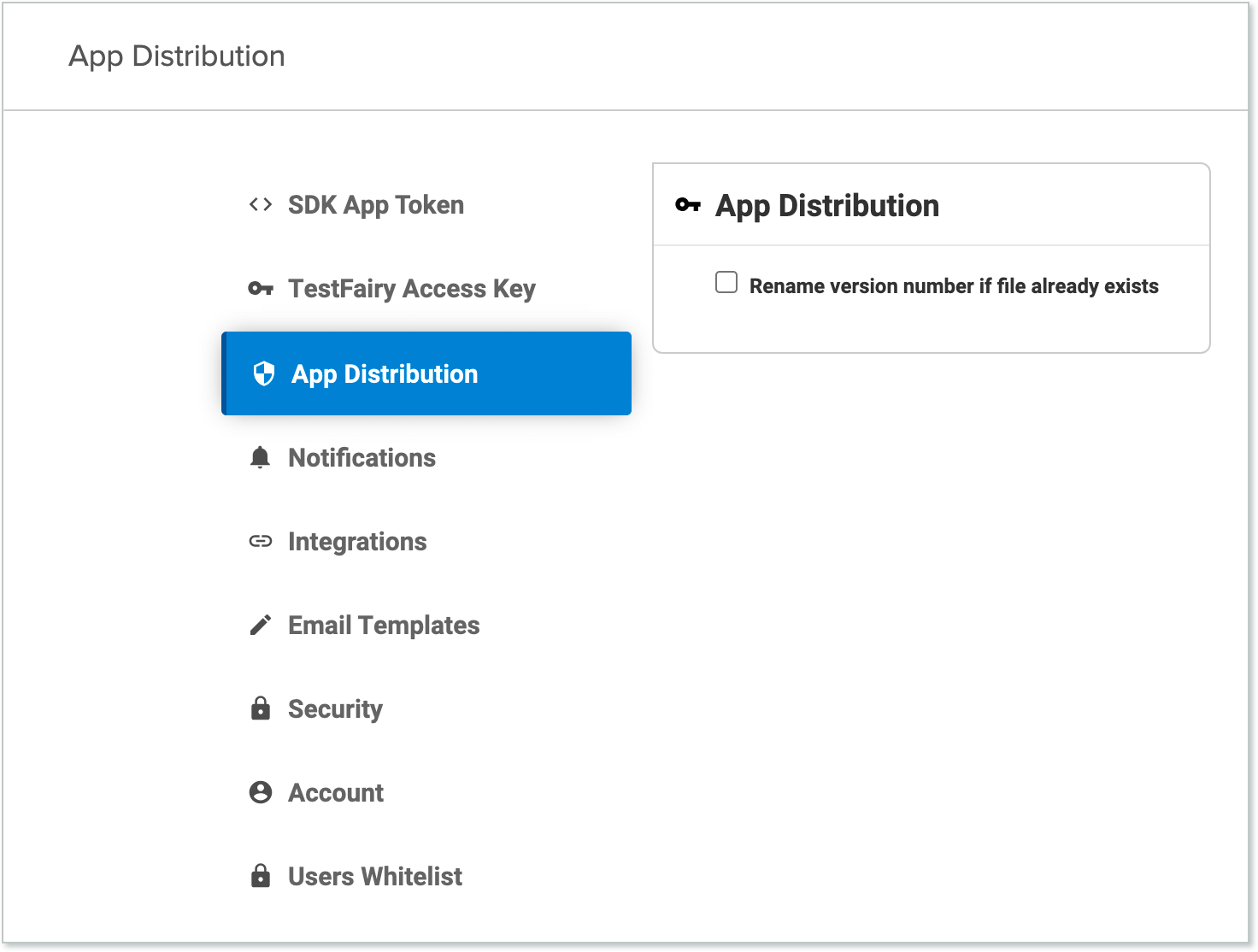
Sauce Labs Mobile App Distribution
On the Sauce Labs Mobile App Distribution page you can access the Rename version number if file already exists setting.
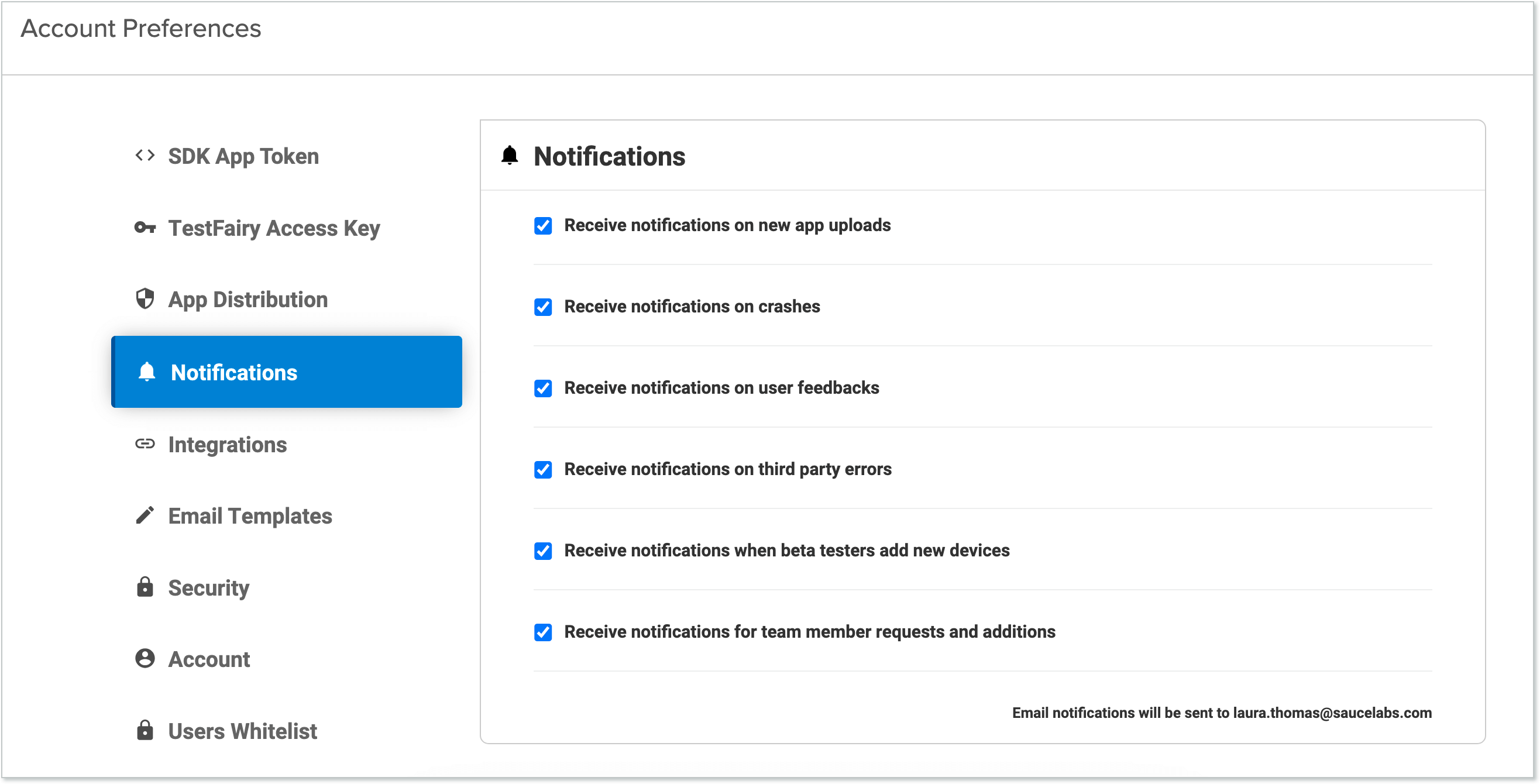
Notifications
On the Notifications page, you can define what types of messages you want to receive about new builds.
Integrations
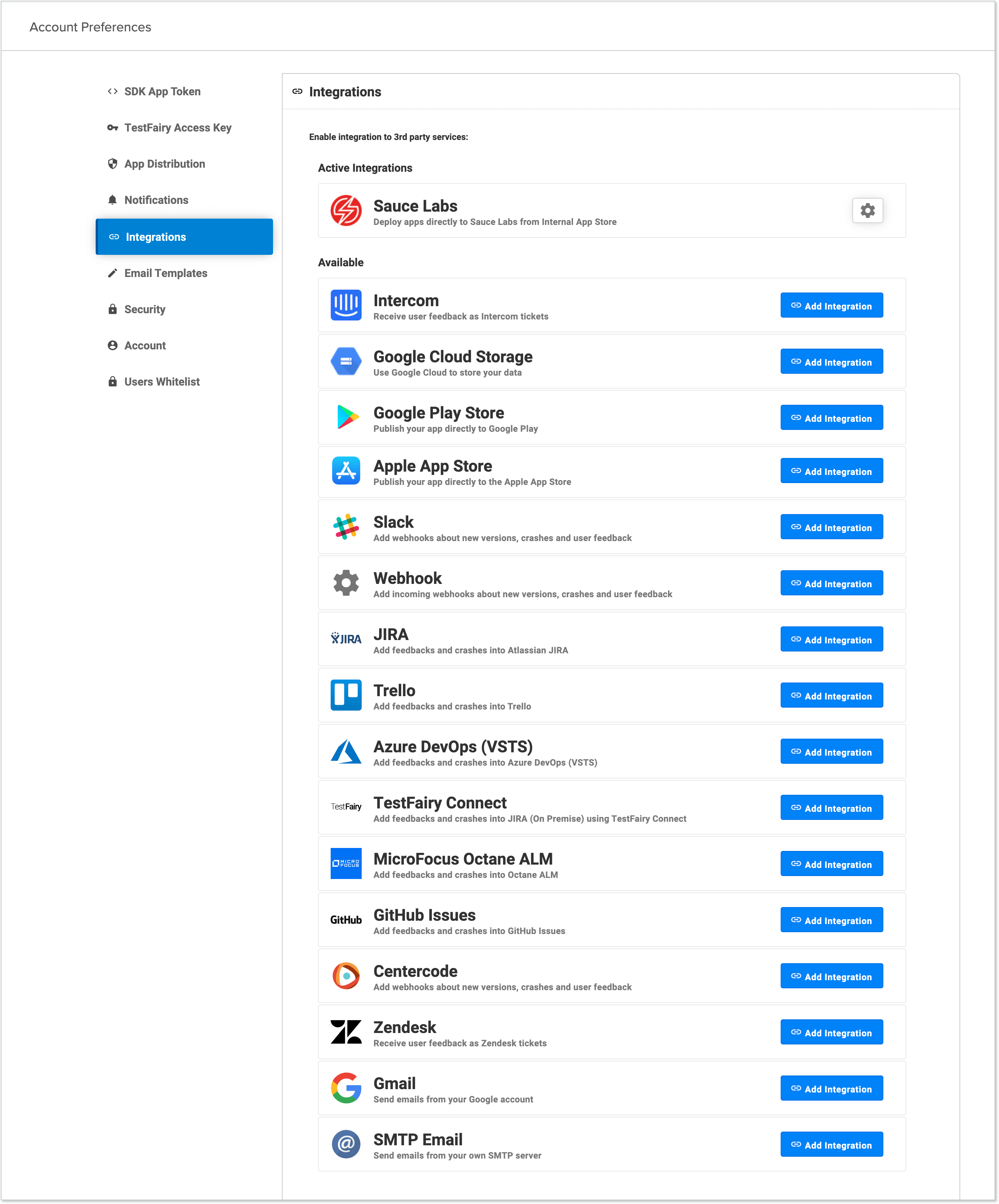
You can integrate your Sauce Labs Mobile App Distribution account with different services to customize and streamline your work processes.
-
Simple Mail Transfer Protocol (SMTP) and Gmail - See SMTP and Gmail for information about connecting your SMTP email server or Gmail account. This ensures you send the emails from the same account you used to register.
-
Slack - See Slack for information about integrating your Slack account with Sauce Labs Mobile App Distribution.
-
Webhooks - You can use Sauce Labs Mobile App Distribution webhooks to connect to services. See Microsoft Teams for more information.
Email Templates
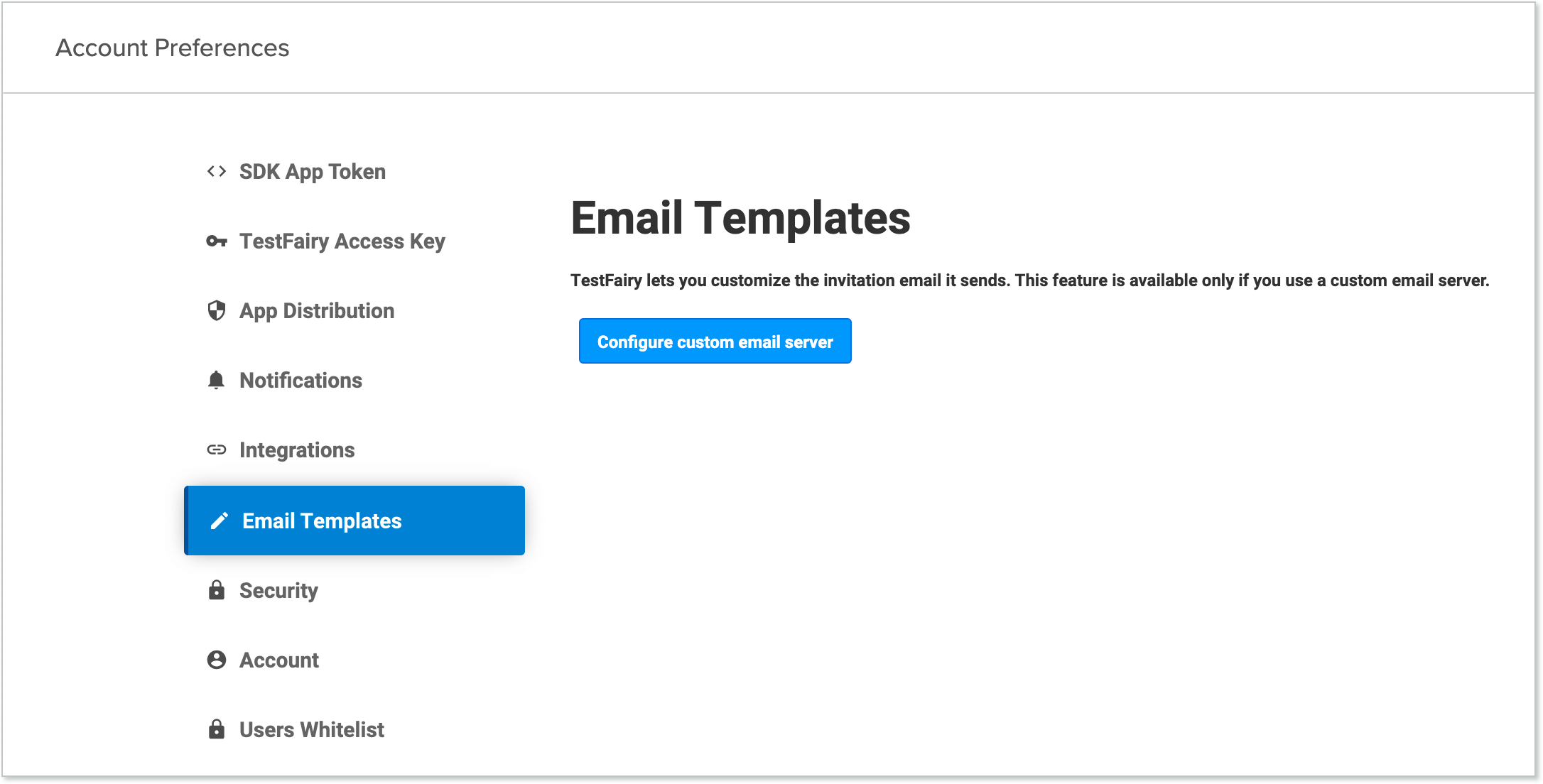
Sauce Labs Mobile App Distribution lets you customize the invitation emails it sends. This feature is available only if you use a custom email server. See SMTP and Gmail for more information.
The email is HTML based and can use custom tags.
Security
To ensure testers first login to their tester accounts before downloading your app, select the Require user login before app download.
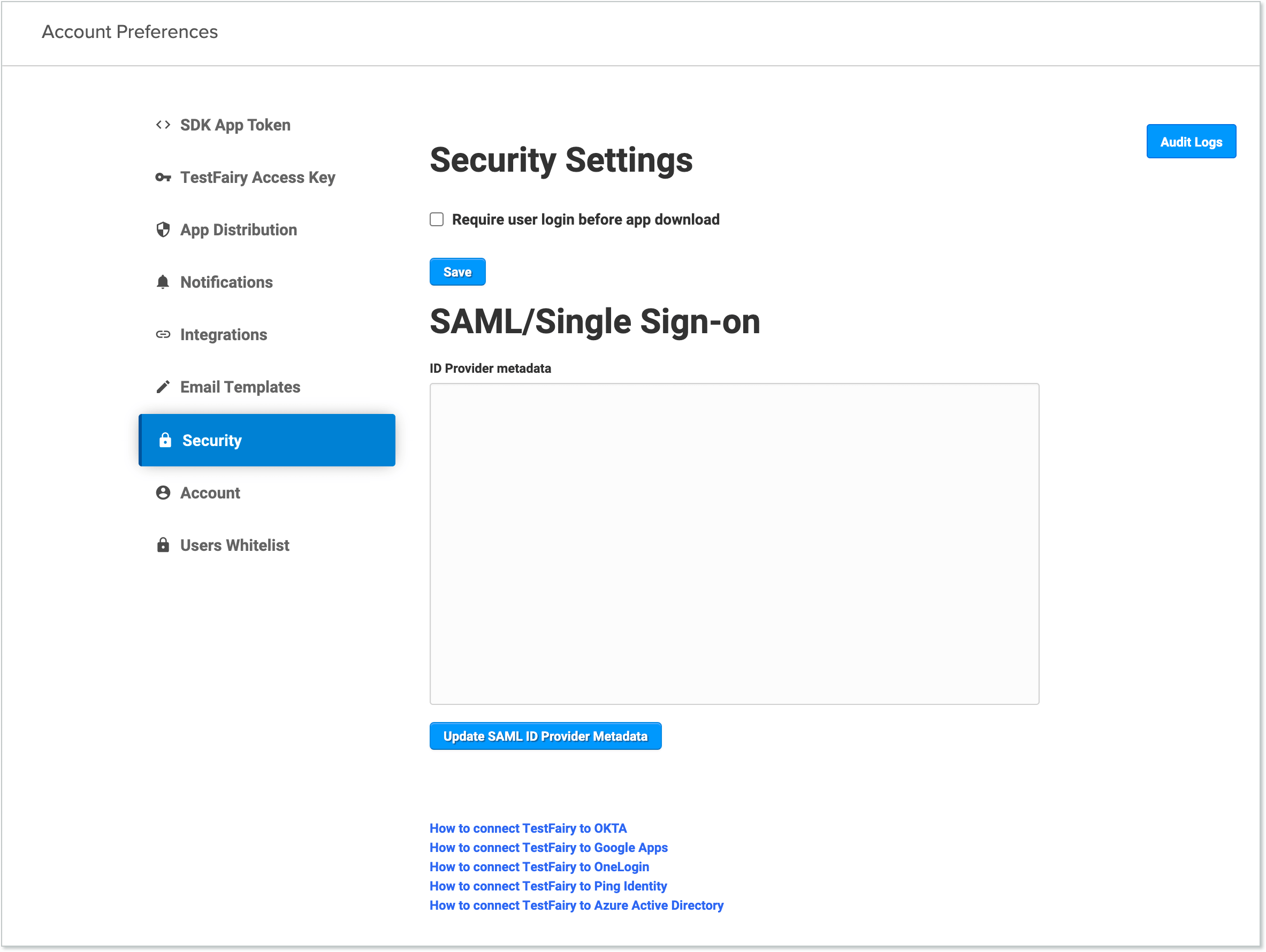
SAML/Single Sign-On
Add the SSO metadata definitions file here. When you add SAML/Single Sign-On, the file contains your ID, URL, and X.509 certificate. See SSO for more information.
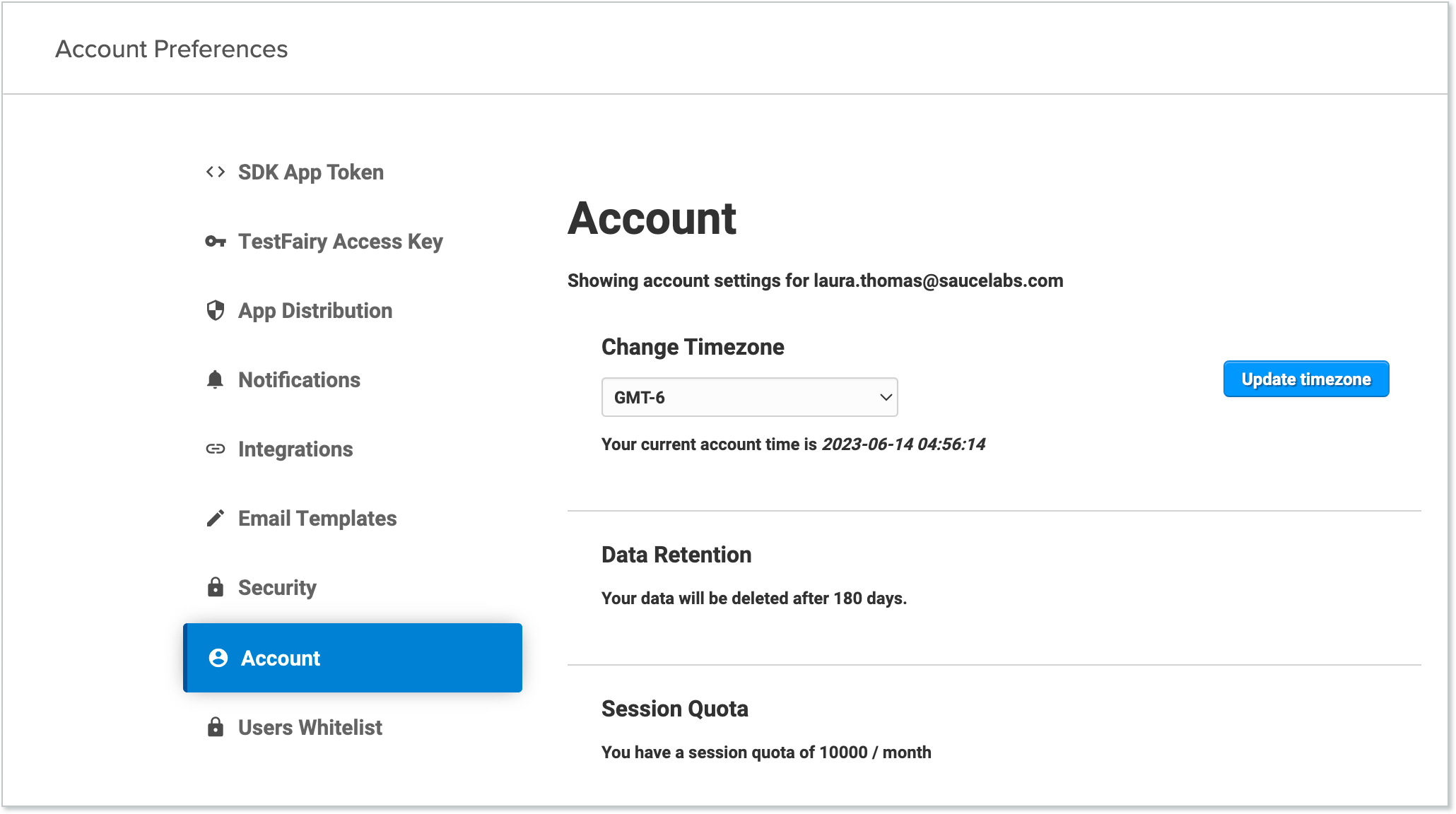
Account
On the Account page you can access the following settings:
- Change Timezone
- Data Retention